Start with your task
The options below cover everyday productivity, model access, research workflows, and development.
| I need to… | Start here | Why |
|---|---|---|
| Ask general questions or compare AI models | CBorg AI Portal | Offers selected commercial and Lab-hosted models in one Lab service for non-sensitive work. |
| Draft or summarize in Google Workspace | Gemini in Workspace | Available to Workspace users and suited to work in the Google environment. Check the data guidance for your material. |
| Work from a set of documents or sources | Gemini Notebook | Useful for exploring and organizing source material. Confirm that the sources are appropriate for the service. |
| Find answers from Lab content | Bev | A Lab search experience with generative AI. It is in beta; verify answers against the source. |
| Summarize a meeting | Zoom AI Tools | Available to Zoom users; review the meeting-content and data restrictions first. |
| Build software or an AI workflow | CBorg developer tools and ScienceIT | Start with documented coding and API routes; consult ScienceIT for fit, scale, and cost. |
| Train or run a research model on GPUs | ScienceIT research computing | Choose a compute environment with ScienceIT based on the workload and data requirements. |
| Use a vendor’s native app or team workspace | Lab-managed AI Subscriptions | Compare the specific features and expected use with the corresponding CBorg route before requesting a seat. |

CBorg AI Portal
The CBorg AI Portal is part of a comprehensive suite of AI services created to empower Berkeley Lab researchers and staff with the latest AI technologies to enhance research and productivity.
- Best for: Non-sensitive chat, comparing supported models, and development through the CBorg API.
- Choose it when: You want Lab-managed access to several models without starting with a separate vendor subscription.
- Check first: The terms of use of each model and whether your workflow needs features specific to a vendor’s native application.
Gemini in Workspace
All Workspace users have access to both chat with Gemini and all Gemini features.
- Best for: Drafting, summarizing, and organizing work in the Google environment.
- Choose it when: The task fits tools already available to Workspace users. For example, choose Gemini to review a work email or edit a draft in Google docs.
- Check first: The classification of the information and the applicable Workspace guidance.
Gemini Notebook
A tool powered by Gemini to help you understand complex information by instantly becoming an expert on uploaded sources.
- Best for: Asking questions across a selected set of source documents.
- Choose it when: You want responses grounded in material you provide.
- Check first: Whether those sources are appropriate for the service, and verify the response against them.
Bev: Generative AI Search Engines for LBL Content
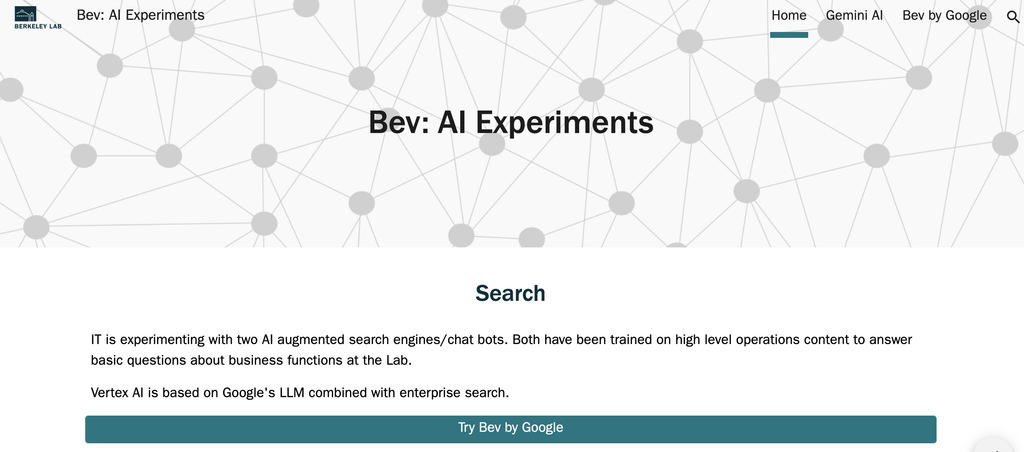
Try Bev, the next generation of LBL search engines augmented with Generative AI. Ask questions, get answers. Bev is Beta – be sure you double check.
- Best for: Searching Lab content with a generative AI interface.
- Choose it when: The source material you need is within its search scope.
- Check first: Bev is labeled beta on the current page; verify any answer before relying on it.

Zoom AI Tools
All Zoom users at the Lab have access to Zoom AI Tools, which can summarize meetings, take notes, and answer questions about meeting content.
- Best for: Summaries and questions about eligible Zoom meetings.
- Choose it when: A meeting summary would help participants follow up.
- Check first: The Lab restrictions for sensitive, proprietary, or personal information, and review the generated summary before sharing it.
Development and research compute
- GPU Nodes on Lawrencium: Get access to multiple generations of GPU technology. Whether developing models or deep learning, GPU nodes can enable your research.
- GPU Nodes on SRDC: For researchers with approved sensitive data projects (e.g., Export Control, S&T Red, etc), GPU nodes are available on the Secure Research Data and Compute (SRDC) platform.
- Access to all AWS and GCP AI/ML Tools: You can use our negotiated agreements with Google Cloud and Amazon Web Services to access the full suite of services from both vendors – from TensorFlow, to Gemini via API, to Vertex.
- ML4Sci: Resources from our Computing Sciences colleagues focused on scientific use cases including training and datasets.
- AI assisted code development resources: The Lab offers a variety of resources for AI assisted code development with CBorg. Of course, you can also use CBorg directly to assist with coding.
Contact Us
Unsure which AI route fits your work? Contact ScienceIT at scienceIT@lbl.gov. Include what you want to do, what kind of data you will use, whether others need to collaborate, and whether your project has a PID or budget constraint.
For questions about sensitive information, contact IT Policy at ITpolicy@lbl.gov.
For purchasing or account changes, follow the current Software and Licensing process. Contact the Licensing team at licenses@lbl.gov for related questions.

